Take the call
Record the caller, phone, service address, problem and expected duration; add priority, notes or photos when useful.
Plumbing business software
A no-hot-water call needs a caller, address, problem and next action. Osrilo lets you capture a Service Call, mark its priority, schedule the visit and keep the field record attached to the customer and Invoice.
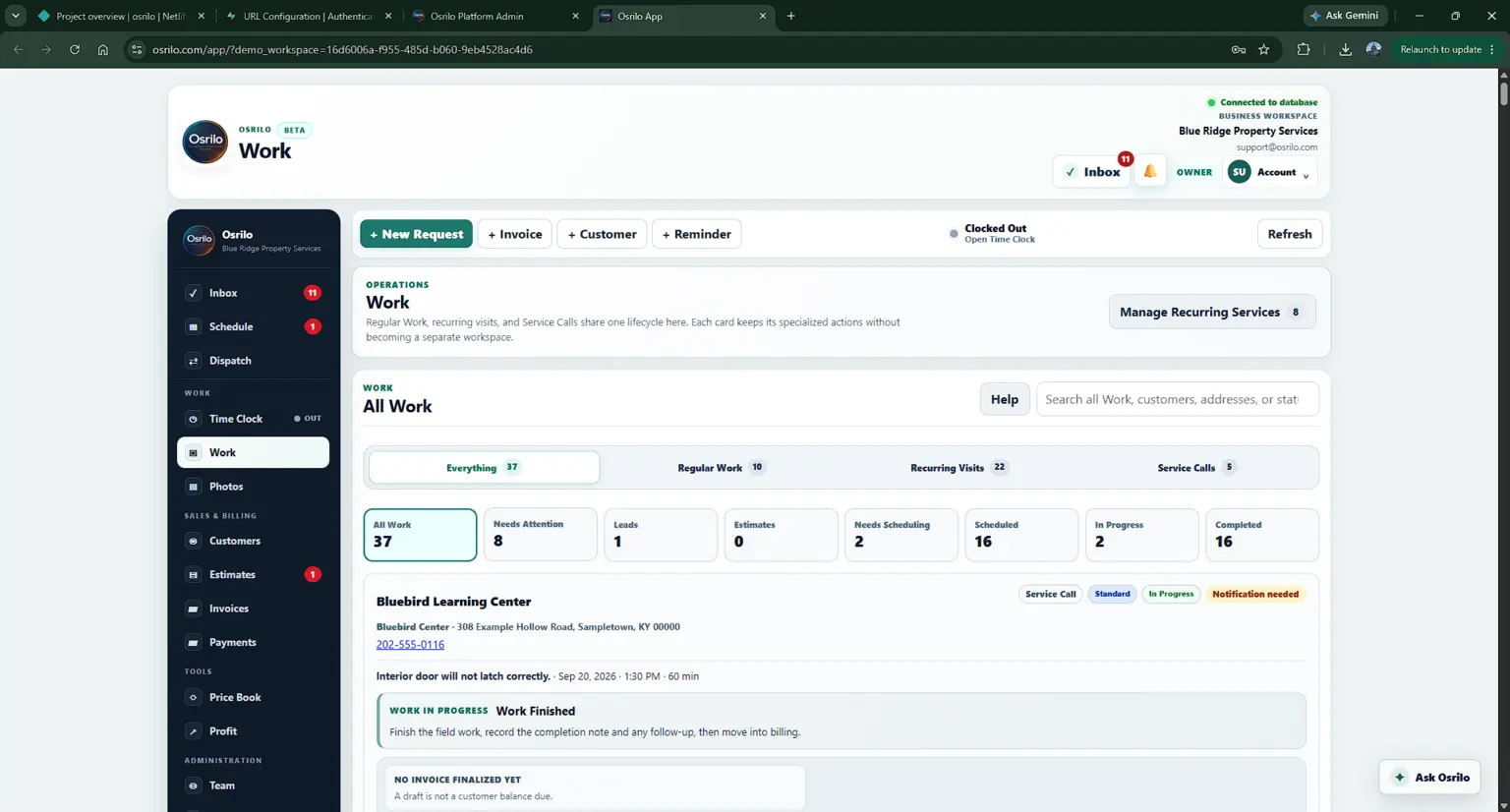
Use the flow that fits the call instead of forcing every request into an Estimate first.
Record the caller, phone, service address, problem and expected duration; add priority, notes or photos when useful.
Put ready Work into the Scheduling Queue and assign it on Crew. Field actions move through On My Way, Work Started and Work Finished.
Keep actual execution and customer history with the Service Call. Create its Invoice after the work is finished.
Each step keeps the customer and Work context available for the next decision.
A customer calls about a water heater. Capture the issue and location so the office and technician share the same facts. The worker records arrival and work progress. If the job calls for a larger quoted replacement, create an Estimate for that scope and keep the history with the customer.
What Osrilo does not assume: Osrilo does not diagnose plumbing issues, dispatch emergency services automatically, verify licensing, or provide trade-specific price recommendations. Emergency priority is an internal workflow label.
See the part of Osrilo that fits your next job.
The first eligible owned workspace starts with a 14-day Solo trial. No card required.