Customer and contact
Record the caller, phone, optional email, service address and arrival instructions.
Service Call management
Capture who called, where the problem is, what is happening and how urgent it is. Schedule the visit, send the worker, record real execution and continue to the Invoice without rebuilding the job.
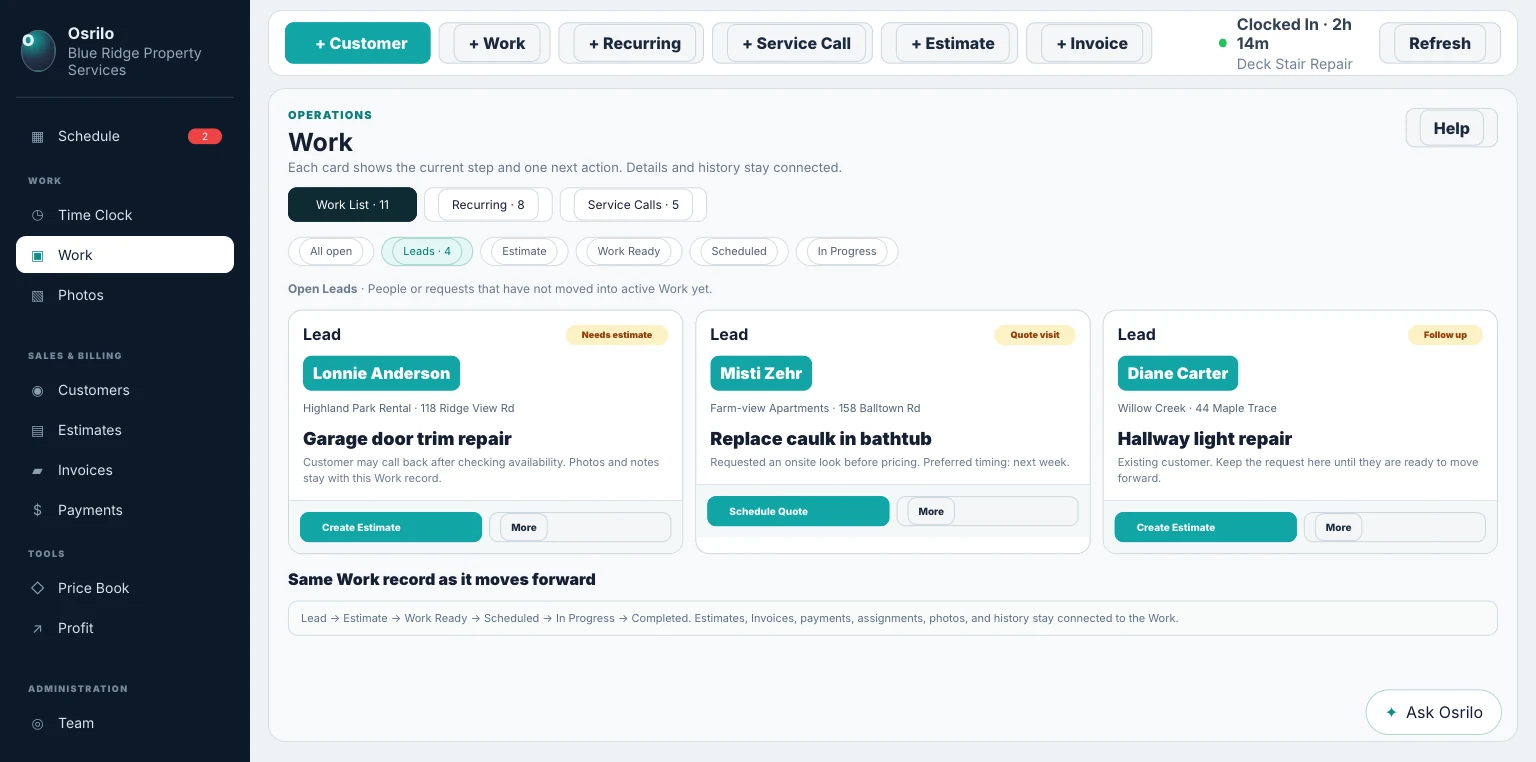
The Service Call intake records the immediate operational facts without creating a disconnected dispatch database.
Record the caller, phone, optional email, service address and arrival instructions.
Describe what is wrong and enter the expected service time for planning.
Use Emergency, Urgent, Standard or Non-Urgent priority, then schedule or queue the visit.
Service Calls add one useful step before joining the same execution truth as regular Work. Their current operational states are Awaiting Scheduling, Scheduled, In Route, On Site, Follow-Up Required, Complete or Canceled; completed calls that still need billing can surface as Ready to Invoice.
The field worker can record the trip toward the customer before the Work itself begins. After that, Start Work and Complete Work follow the shared execution rules used everywhere else.
A Service Call does not need a second version of every Osrilo tool.
Scheduled and active Service Calls can surface above regular Work while the Calendar and Day Operations still show the whole operating day.
Use for the call that needs the strongest immediate attention and controlled day-plan review.
Keep important work visible without labeling every request an emergency.
Capture the request and plan it honestly when the customer does not need immediate dispatch.
Start the 14-day Solo trial. No card required.